Practical Reservation Process: Front Office Training Guide
Learn practical reservation process with SOP, booking workflow, guest handling steps, and service standards in hotel front office operations.
 Shah Vaibhavi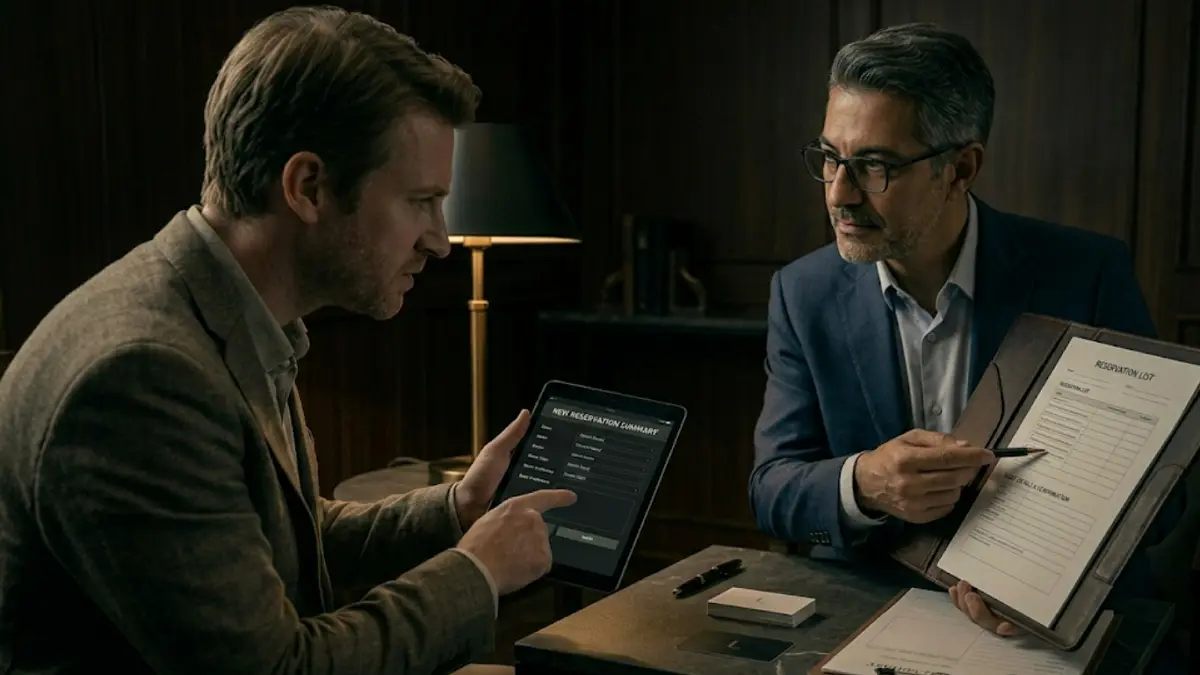
Senior Front Office Leads are flagging one thing, reservations are where most mistakes start, not the desk. Get practical reservation process right, and the rest of the stay runs smoother.
Overview of Practical Reservation Process in Front Office
Practical reservation processare your first control point. You either set the stay up clean, or create problems for the desk later.
It’s a simple idea: take the booking, record it right, and pass it clean to the team.
-
Capture correct details
-
Plan room allocation early
-
Keep every department in the loop
And remember—guests judge you before they even arrive.
Pro tip: A wrong booking feels worse than a slow check-in.
SOP Procedure for Practical Reservation Process
Step 1: Inquiry Handling
Pick up within 3 rings. Reply to emails within 10 minutes. No delays.
Step 2: Requirement Identification
Lock the basics: dates, guests, room type, special requests.
Step 3: Availability Check
Check in PMS. Not memory. Not guesswork.
Step 4: Rate Quotation
Give full clarity—rate, taxes, inclusions, cancellation policy.
Step 5: Booking Confirmation
Take name, phone, email, and payment guarantee.
Step 6: Data Entry in PMS
Enter everything. Preferences, notes, instructions. No shortcuts.
Step 7: Confirmation Communication
Send email/SMS with reservation number. Immediately.
Step 8: Payment Guarantee
Secure with advance, card guarantee, or company billing.
Step 9: Pre-Arrival Coordination
Share details with housekeeping and relevant teams.
Step 10: Reservation Follow-up
Reconfirm VIPs, groups, long stays before arrival.
Pro tip: If it’s not in PMS, it doesn’t exist.
Front Office Reservation Workflow and Operational Steps
You’re not just taking bookings, you’re controlling inventory.
-
Channel Management: Handle direct, OTAs, agents, corporate
-
Inventory Control: Watch availability in real time
-
Rate Management: Apply correct pricing based on demand
-
Booking Modification: Update changes instantly
-
Cancellation Handling: Process and update without delay
The hand-off matters:
-
Housekeeping → prep rooms
-
Sales → groups & corporate
-
Accounts → billing clarity
-
Front Desk → smooth arrivals
Pro tip: Most lobby chaos starts from poor reservation hand-offs.
Guest Interaction Process During Reservation
This is where conversion happens in practical reservation process. Or drops.
-
Greeting: Clear, professional tone
-
Listening: Let the guest finish before offering
-
Clarity: No hidden terms—explain everything
-
Personalization: Suggest rooms based on needs
-
Confidence: Sound sure. No hesitation
Handle situations like this:
-
VIP → note preferences, alert team
-
Group → block early, coordinate tight
-
Walk-in inquiry → give fast, clear options
-
High demand → offer alternatives, don’t say “no”
Upselling:
Offer better rooms or packages, but keep it natural.
Pro tip: Sell solutions, not room types.
Tools and Systems Used in Reservation Process
Use your systems properly, this is where control comes from.
-
Property Management System (PMS): reservations, availability, profiles
-
Channel Manager: sync OTAs and website
-
Central Reservation System (CRS): chain-level bookings
-
Revenue Management System: pricing control
-
Customer Relationship Management (CRM): guest history
-
Communication Tools: calls and emails
Pro tip: One wrong entry spreads across every system.
Service Standards and Performance Metrics
You’re measured on speed and accuracy.
-
Calls: within 3 rings
-
Emails: within 10 minutes
-
Data Accuracy: 100% in PMS
-
Conversion Rate: maximize confirmed bookings
-
Overbooking: controlled or zero
-
Confirmation: within 5 minutes
-
Guest Feedback: positive booking experience
Pro tip: Fast response increases conversion more than discounts.
Evaluation and Training Assessment
This skill needs constant sharpening.
-
Role plays for inquiry handling and upselling
-
PMS audits for data accuracy
-
Supervisor call/email monitoring
-
Guest feedback reviews
-
Performance checks on speed + conversion
-
Mystery audits for real pressure testing
Focus on:
-
Clear communication
-
System accuracy
-
Attention to detail
Pro tip: Reservation errors don’t show immediately, but they hit hard at check-in.
In conclusion
Reservations set the tone before the guest walks in.
Handle it clean, log it right, pass it clearly and the entire operation runs smoother. Mess it up here, and the desk pays for it later.