Restaurant Reservation Management SOP Training for Hotel Operations
Learn restaurant reservation management SOP training with booking procedures, table allocation, and service coordination for restaurant operations.
 Jyoti Kushwaha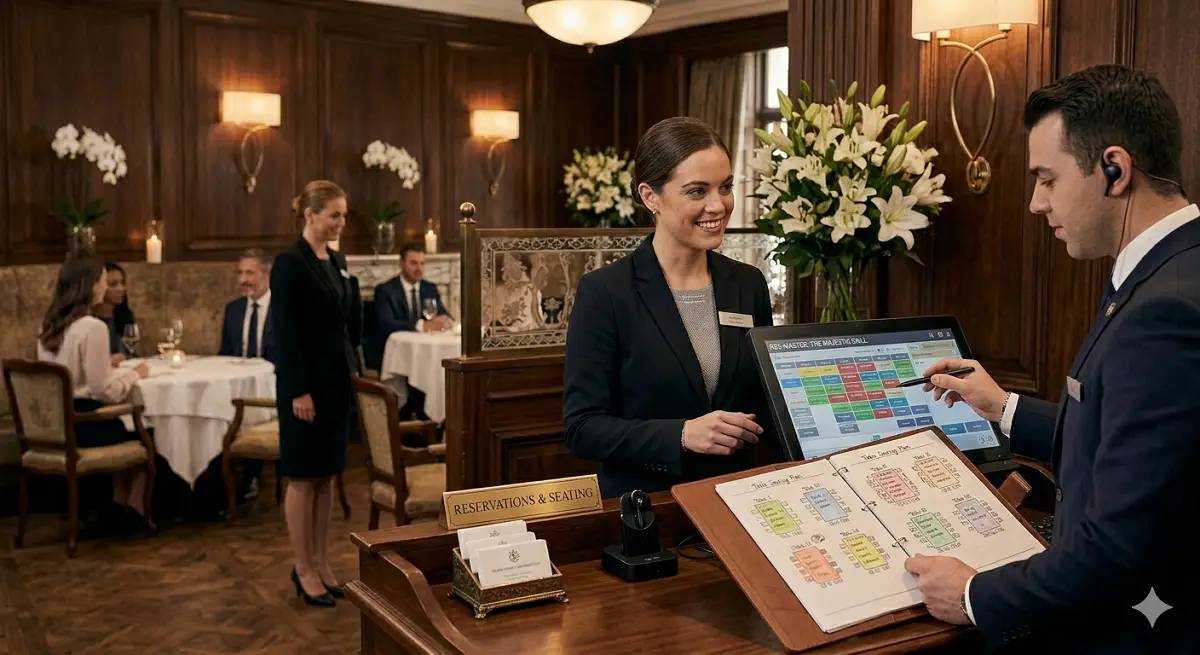
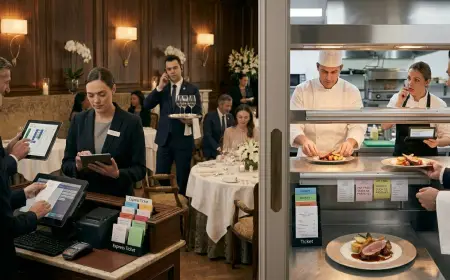
The host stand is where service either flows or collapses before it even starts.
Miss a booking, double-seat a section, or stall a guest and you’ve already lost control of the floor.
Reservation handling isn’t admin work. It’s traffic control for the entire operation.
Overview of Restaurant Reservation Management
Reservations set the pace of your service. Get them right, and the floor runs smooth. Get them wrong, and you’re firefighting all shift.
You’re balancing in-house guests, walk-ins, and external bookings all at once.
And every mistake shows up at the door. Overbooking, delays, wrong table it all hits the guest first.
Pro tip: A bad reservation plan creates service friction before the first plate leaves the pass.
SOP Procedure for Reservation Handling
This is non-negotiable. Tight execution only.
1. Reservation Acceptance
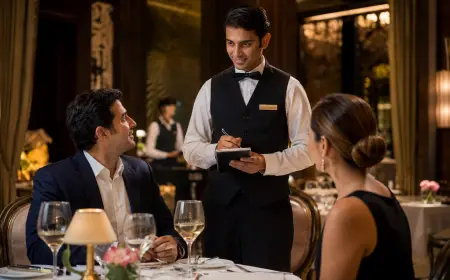
Take bookings via phone, online, or walk-in. Capture name, contact, date, time, covers no gaps.
2. Confirmation Process
Repeat everything back. Lock the details. Give a reference if needed.
3. System Entry
Enter it immediately. Include special requests don’t rely on memory.
4. Table Allocation Planning
Assign tables based on covers, layout, and timing. Think ahead, not moment-to-moment.
5. Pre-Arrival Preparation
Review the list before service. Spot VIPs, occasions, repeat guests.
6. Guest Arrival Handling
Confirm details fast. Escort without delay. No confusion at the door.
7. Delay and No-Show Management
Hold 10–15 minutes. After that, release and update status.
8. Reservation Closure
Mark as seated and close it in the system. Keep records clean.
Miss steps here, and the floor pays for it later.
Operational Steps and Reservation Workflow
This is how you control the door and the dining room together.
Step-by-Step Reservation Workflow:
• Take booking with full details no shortcuts
• Check availability before confirming
• Lock booking into system immediately
• Plan table allocation by time blocks
• Prep reservation sheet before shift
• Brief service team on expected flow
• Track table status live during service
• Adjust for walk-ins and delays on the fly
• Update status: arrived, delayed, no-show
• Keep records clean for reporting
Operational Benchmarks:
• Confirmation: within 2 minutes
• System entry: immediate
• Hold time: 10–15 minutes
• Seating: within 2–3 minutes of arrival
• Turnover: based on dining time, not guesswork
Operational Controls:
• Don’t overbook beyond capacity
• Keep buffer for walk-ins
• Watch peak slots closely
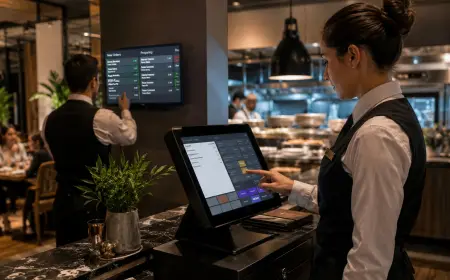
• Update system in real time always
Pro tip: If your reservation screen isn’t live, your floor isn’t under control.
Guest Interaction and Reservation Handling Techniques
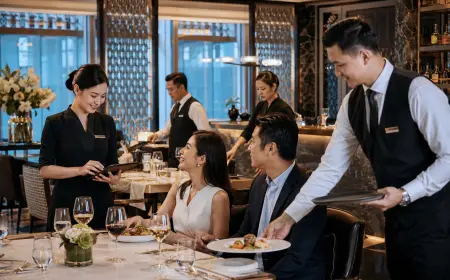
This is where the guest decides if they trust your operation.
Reservation Communication Standards:
• Speak clearly and confidently
• Confirm time, date, covers every time
• State policies like hold time upfront
Arrival Interaction:
• Greet within 30 seconds
• Ask name and verify fast
• Seat without hesitation
Handling Delays:
• Be upfront about wait time
• Offer waiting options or beverages
• Keep updating don’t disappear
Managing Special Requests:
• Note everything window, birthday, preferences
• Coordinate with floor team early
• If you can’t deliver, say it clearly
No-Show Handling:
• Release after grace period
• Update system immediately
• Track patterns for repeat offenders
Pro tip: Guests forgive waits. They don’t forgive silence.
Tools and Equipment for Reservation Management
Your tools should give you control not confusion.
Primary Tools:
• Reservation system or booking software
• POS with table mapping
• Online booking platforms
• Guest database / CRM
Support Equipment:
- Logbooks or tablets
- Table layout charts
- Staff communication devices
- Waiting list tools
Usage Guidelines:
• Enter data clean no shortcuts
• Update status live
• Keep front desk and floor in sync
• Use layout smart maximize covers without chaos
If your system is messy, your seating will be worse.
Service Standards and Performance Metrics
This is how you measure control at the door.
Key Performance Metrics:
• Reservation accuracy: 100%
• Waiting time: minimal
• Occupancy: optimized
• No-show rate: tracked and controlled
• Guest satisfaction: high
• Turnover: within plan
Numbers tell you where the pressure points are.
Evaluation and Continuous Improvement
Strong teams review the door daily not weekly.
Evaluation Methods:
• Daily booking and occupancy reports
• No-show tracking
• Guest feedback on booking experience
• Staff performance checks
• System accuracy audits
Main issues? Overbooking, wrong entries, poor coordination.
Fix it with discipline. Pre-shift briefings. And real-time control.
End of the day the reservation desk doesn’t just manage tables. It controls the entire service rhythm.
Read more about effetive communication skills.