Expert Front Office Reports SimpleTraining for Hotel Operations
expert front office reports with SOP, reporting workflow, and service standards for accurate hotel operations and performance tracking.
 Shah Vaibhavi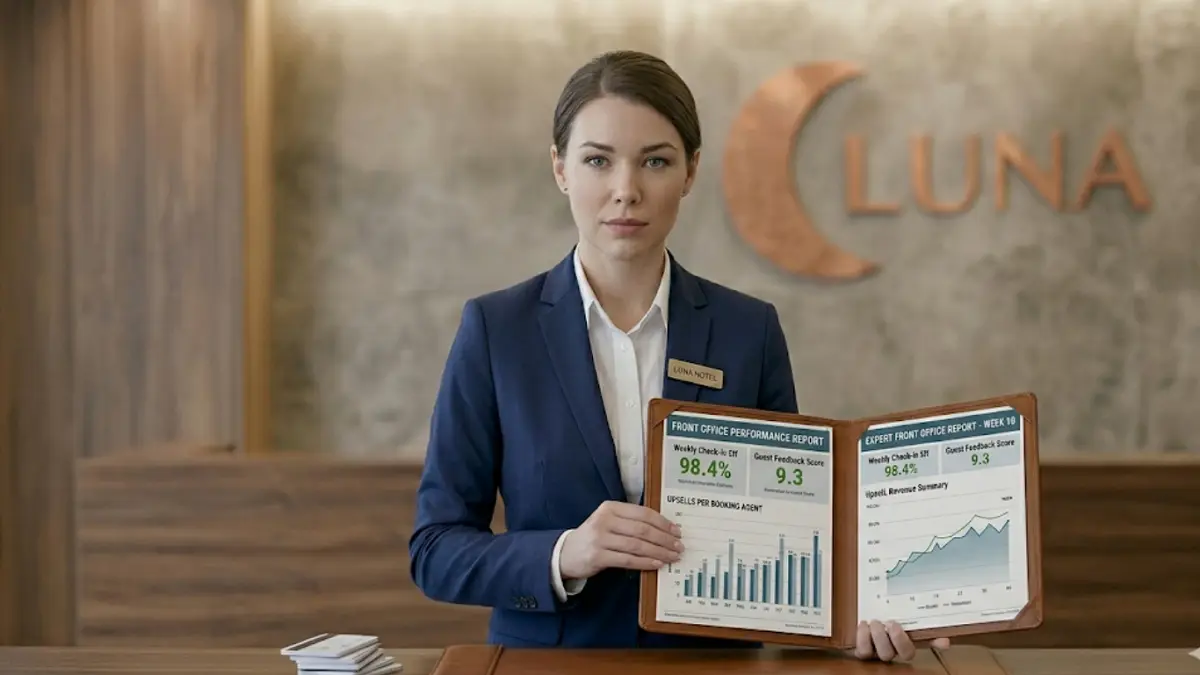
Expert front office reports: The reality at the desk is simple, if your reports are weak, your entire shift looks blind. Numbers tell the real story. And management reads that story every day.
Overview of Expert Front Office Reports
Expert front office reports are your daily control sheet. They track occupancy, arrivals, departures, revenue, guest profiles, and service gaps.
At the desk, reports are not paperwork, they are your hand-off tool. Expert Housekeeping checks them. Accounts depends on them. Managers make calls based on them.
Bad reporting? You’ll see billing errors, missed arrivals, and confused teams.
Good reporting? Clean shifts, tight control, zero surprises.
SOP Procedure for Front Office Reports
Step 1: Data Collection
Pull data from PMS arrivals, departures, occupancy, revenue. No shortcuts.
Step 2: Report Classification
Know what you’re preparing: daily report, cashier report, arrival list, night audit.
Step 3: Data Verification
Check every entry. Names, rates, billing, everything.
Step 4: Report Preparation
Generate from system templates. Manual only if required.
Step 5: Review and Approval
Supervisor checks before it goes out. No unchecked reports.
Step 6: Distribution
Send to housekeeping, accounts, and management immediately.
Step 7: Documentation
Save digital copies or print. Keep it organized.
Step 8: Error Correction
Spot a mistake? Fix it now. Don’t carry it forward.
Step 9: Shift Handover Reporting
Write clear notes for the next shift VIPs, issues, pending work.
Step 10: Archiving
Store reports properly for audits and future checks.
Pro-tip: If your report needs explaining later, it wasn’t clear enough.
Front Desk Workflow and Reporting Operations
Pre-Shift Review
Read last shift’s reports. Know what you’re walking into.
Arrival & Departure Reports
Track who’s coming and leaving. This controls lobby flow.
Occupancy Report
Know your numbers. Rooms sold vs available.
Cashier Report
Every rupee accounted for, payments, adjustments, corrections.
Night Audit Report
Final check of the day. No mismatch allowed.
Revenue Report
Watch ADR and RevPAR. This is where money talks.
Guest Profile Report
Use history to personalize service.
Shift Handover Report
Clear notes. No confusion for the next team.
Guest Interaction and Reporting Impact
Reports aren’t just backend, they show at the desk.
-
Accurate Check-in: Arrival report confirms everything fast
-
Personalized Service: Guest history = better conversation
-
Billing Accuracy: Cashier reports prevent disputes
-
Complaint Handling: Past records speed up solutions
-
VIP Handling: Reports tell you who matters most today
-
Team Coordination: Everyone works from the same data
Bottom line: Strong reports = smoother guest experience.
Tools and Systems Used in Front Office Reporting
-
Property Management System (PMS): Core reporting system
-
Point of Sale (POS): Adds F&B charges to guest folios
-
Accounting Systems: Tracks revenue and transactions
-
Reporting Software: Custom reports and analytics
-
Excel/Data Sheets: Backup tracking and analysis
-
Night Audit System: Daily financial reconciliation
-
Communication Systems: Share reports quickly across teams
Know your systems. Speed comes from familiarity.
Service Standards and Performance Metrics
-
Report Accuracy: 100% correct. No excuses
-
Timeliness: On time, every time
-
Data Completeness: No missing fields
-
Error Rate: Close to zero
-
Audit Compliance: Clean and ready anytime
-
Coordination Efficiency: Teams understand your report instantly
-
Financial Accuracy: Numbers match across systems
Pro-tip: A good report answers questions before they’re asked.
Evaluation and Training Assessment
-
Daily Report Review: Check accuracy every shift
-
Supervisor Monitoring: Watch how reports are prepared
-
Audit Checks: Ensure compliance and consistency
-
Error Analysis: Fix patterns, not just mistakes
-
Performance Reviews: Speed + accuracy both matter
-
System Training: Master PMS and reporting tools
-
Mystery Audits: Test real-time performance
Train the habit. Reporting is discipline, not talent.
In conclusion
Expert front office reports are your control system behind the desk. Tight SOP, clean workflow, and solid system use keep operations sharp. When your reports are right, your shift runs right.
Also read: Learn advanced guest greeting techniques with front office SOP